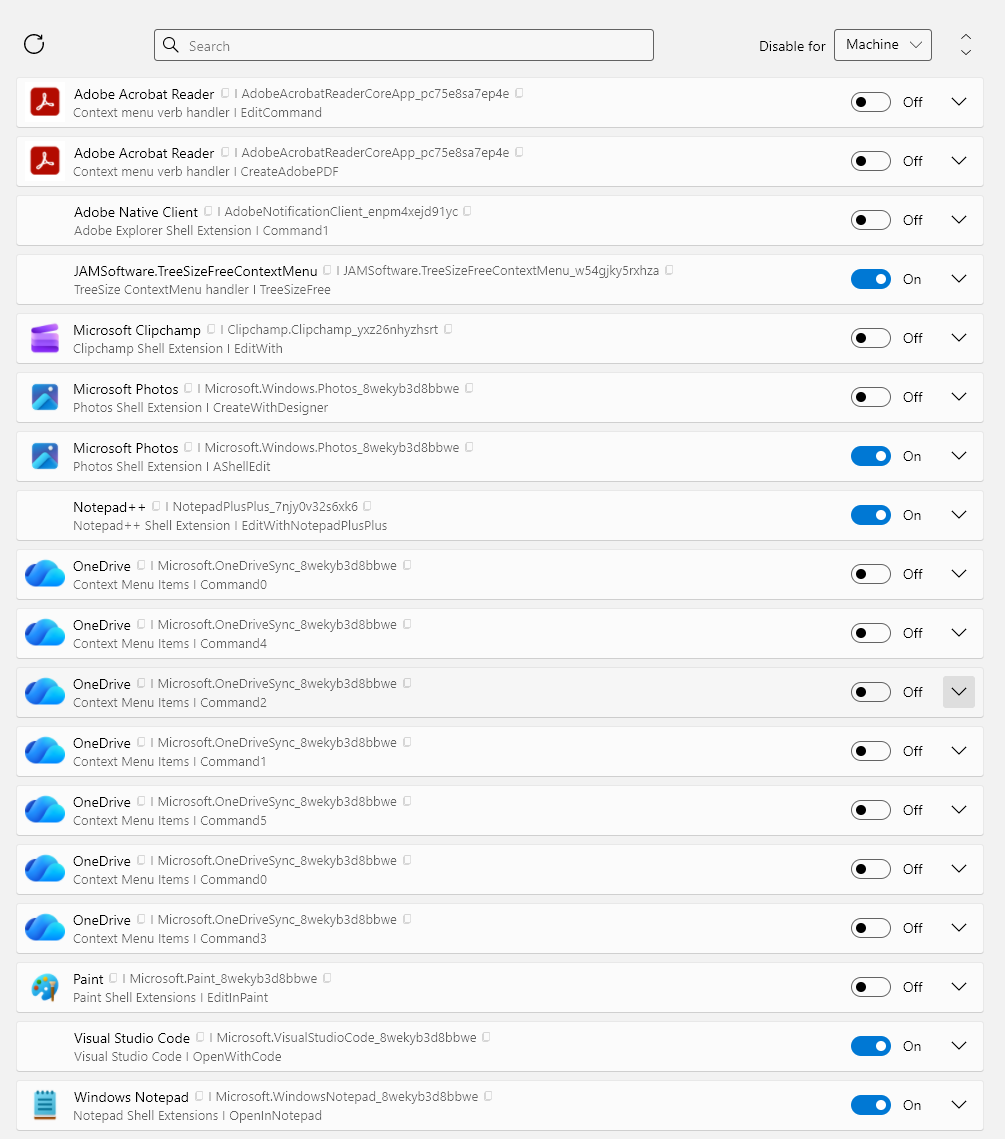
My Windows 11 context menu has been taking several seconds to populate, especially since I installed Adobe Bridge, which requires Adobe Creative Cloud, which adds many items. I wanted to get rid of those context menu items, but also Microsoft OneDrive, Clipchamp, Paint, Photos|Create with Designer.
In Nirsoft ShellExView and Sysinternals Autoruns, I disabled every Adobe thing I could find, but the context menus remained. Gemini says they are “Packaged App AppX Context Menus” and recommended PowerShell stuff to delete e.g. AdobeNotificationClient.
But then the Google AI summary suggested the branhill windows-11-context-menu-manager, which let me disable all the garbage in just a few clicks. You can choose to work at the User or Machine level. Amazing tool.
https://github.com/branhill/windows-11-context-menu-manager/